Integrating with Hosted PerksWallet
Who is this for: Partners who want to offer a Save for Later experience with zero integration effort by redirecting users to MomentScience's hosted wallet.
Outcome: Enable Hosted PerksWallet so users see a Save for Later CTA on offer units and are redirected to perkswallet.com to save and retrieve offers.
Overview
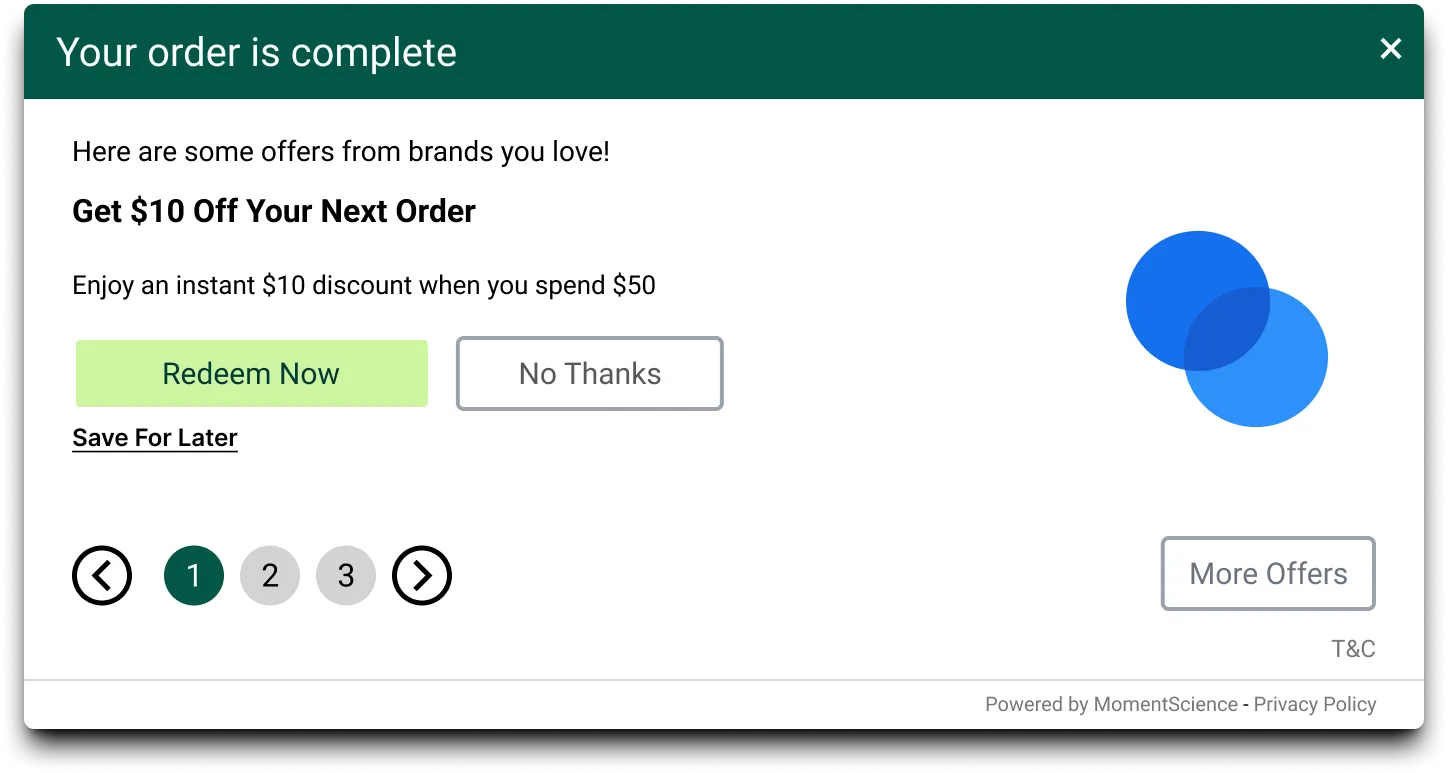
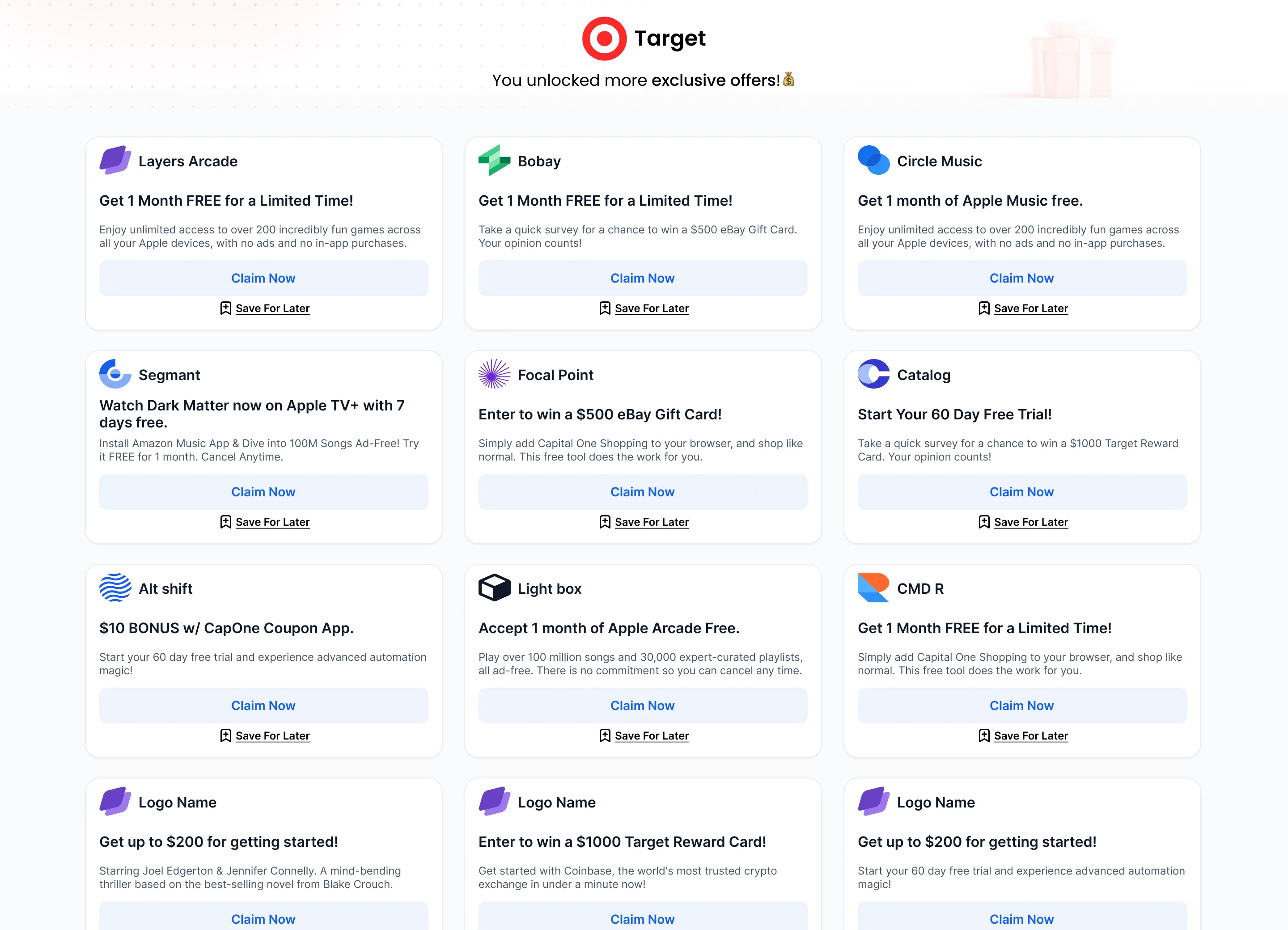
With Hosted PerksWallet, MomentScience manages everything. Users see a Save for Later CTA on your offer unit. When they tap it, they're redirected to perkswallet.com where they enter their email or phone number to save the offer. Users can return to perkswallet.com anytime to access their saved offers.
You still earn revenue share on every conversion, no integration required.
Need more control? If you want to embed the wallet directly in your app or website with custom user identifiers, see Integrating with Embedded PerksWallet instead.
Getting Started
Step 1: Enable Hosted PerksWallet
Contact your MomentScience account manager to enable Hosted PerksWallet for your account.
Step 2: Choose Your Integration Method
Hosted PerksWallet supports three integration approaches. Choose the one that fits your needs:
Option A: JavaScript SDK
Best for: Zero-code implementation with automatic Save for Later buttons
The SDK automatically renders Save for Later CTAs on your offer units. No additional code required.
How it works:
- The SDK renders a Save for Later CTA button on your offer units
- When users click the button, they're redirected to perkswallet.com
- Users enter their email or phone to save the offer
- No additional code needed
Option B: Direct Links with URL Parameter
Best for: Email campaigns, push notifications, and direct deep links
Append &save_for_later=1 to any Click URL to redirect users directly to the save page instead of the offer landing page.
How it works:
Take any Click URL from your offer response and add &save_for_later=1 at the end:
https://trk.pubtailer.com/sdk/offer-click?o_id=5597&c_id=2901&p_id=3507&save_for_later=1When users click this modified URL:
- They're redirected to https://app.perkswallet.com/save-offer instead of the offer landing page
- They can enter their email or phone to save the offer
- The offer is saved to their wallet at perkswallet.com
Setup:
- Simply modify your Click URLs by adding the parameter
- Works with Direct Links and Email Tracking Links
If the offer doesn't support PerksWallet, the &save_for_later=1 parameter is ignored and users go to the offer landing page as usual.
Option C: Native API Call
Best for: Custom UI with programmatic control
Use the save_for_later_url from API responses to trigger saves when users click your custom buttons. This approach works with both the Perkswall API and MomentPerks API.
How it works:
- Retrieve offers from the Perkswall API or Moments API
- Extract the save_for_later_url from each offer object in the response
- When a user clicks your Save for Later button, make a POST request to the save_for_later_url
- The user is redirected to https://app.perkswallet.com/save-offer
Example API response:
{
    "offers": [
        {
            "id": "12345",
            "title": "20% off athletic wear",
            "click_url": "https://trk.pubtailer.com/sdk/offer-click?o_id=5597...",
            "save_for_later_url": "https://api.adspostx.com/save-offer?token=abc123...",
        }
    ]
}
Making the save request:
// When user clicks your custom "Save for Later" button
const saveOffer = async (saveUrl) => {
    const response = await fetch(saveUrl, {
        method: 'POST',
        headers: {
            'Content-Type': 'application/json'
        }
    });

    if (response.ok) {
        // Redirect user to PerksWallet save page
        window.location.href = response.url;
    }
};
Setup:
- Requires integration with Perkswall API or MomentPerks API
For complete API integration details, refer to the Perkswall API or MomentPerks API.
Step 3: Customize CTA Text (Optional)
Once enabled, your offers display a Save for Later CTA by default. You can customize the PerksWallet button text from your dashboard theme customizer.
Customizing the button text:
- Navigate to your chosen theme customizer page:
- If you're using Perkswall to display offers Go to: Perkswall Theme Customize
- If you're using MomentPerks to display offers Go to: MomentPerks Theme Customize
- Click on "Theme Settings" tab.
- Make sure the PerksWallet CTA toggle is enabled
- Update the button text (e.g., change "Save for Later" to "Save to Wallet")
- Save your configuration:
- Click Save to apply changes to the current theme
- Click Save As to create a new theme with these changes
If you have multiple themes, you can customize the PerksWallet CTA text independently for each one. This allows different button text across different themes.
User Journey
- User discovers an offer on your site with a Save for Later button
- User taps Save for Later and is redirected to perkswallet.com
- User enters their email or phone number to create a wallet account
- The offer saves automatically and an account is created instantly
- User returns to perkswallet.com anytime to view, manage, and claim saved offers
- Users receive reminder emails about saved offers to boost engagement and conversions.
Cross-Device Sync
When users verify their email or phone number, MomentScience links their wallet across all devices. They can:
- Save an offer on mobile and claim it later on desktop
- Access their wallet from any device with the same email or phone number
- Pick up where they left off without losing saved offers
Users can save offers without verifying their email or phone number, but verification enables cross-device access.
Scenario | Behavior |
|---|---|
Same device | User is automatically logged in |
New device | User verifies email or phone number to access saved offers |
Expired offer | Offer is removed from wallet (only active offers shown) |
Ready to get started? Contact your account manager to enable PerksWallet for your account.
Need Help?
📢 If you're running into any issues, contact us at [email protected]